When users are assigned to a Project the system sends an email to each user to notify them of the new Project assignment along with instructions to download/install the SpatialWorx App from the appropriate App Store (Apple, Google, Windows), if they don't already have it installed. Each user is allowed to install and run the App on 2 separate devices.


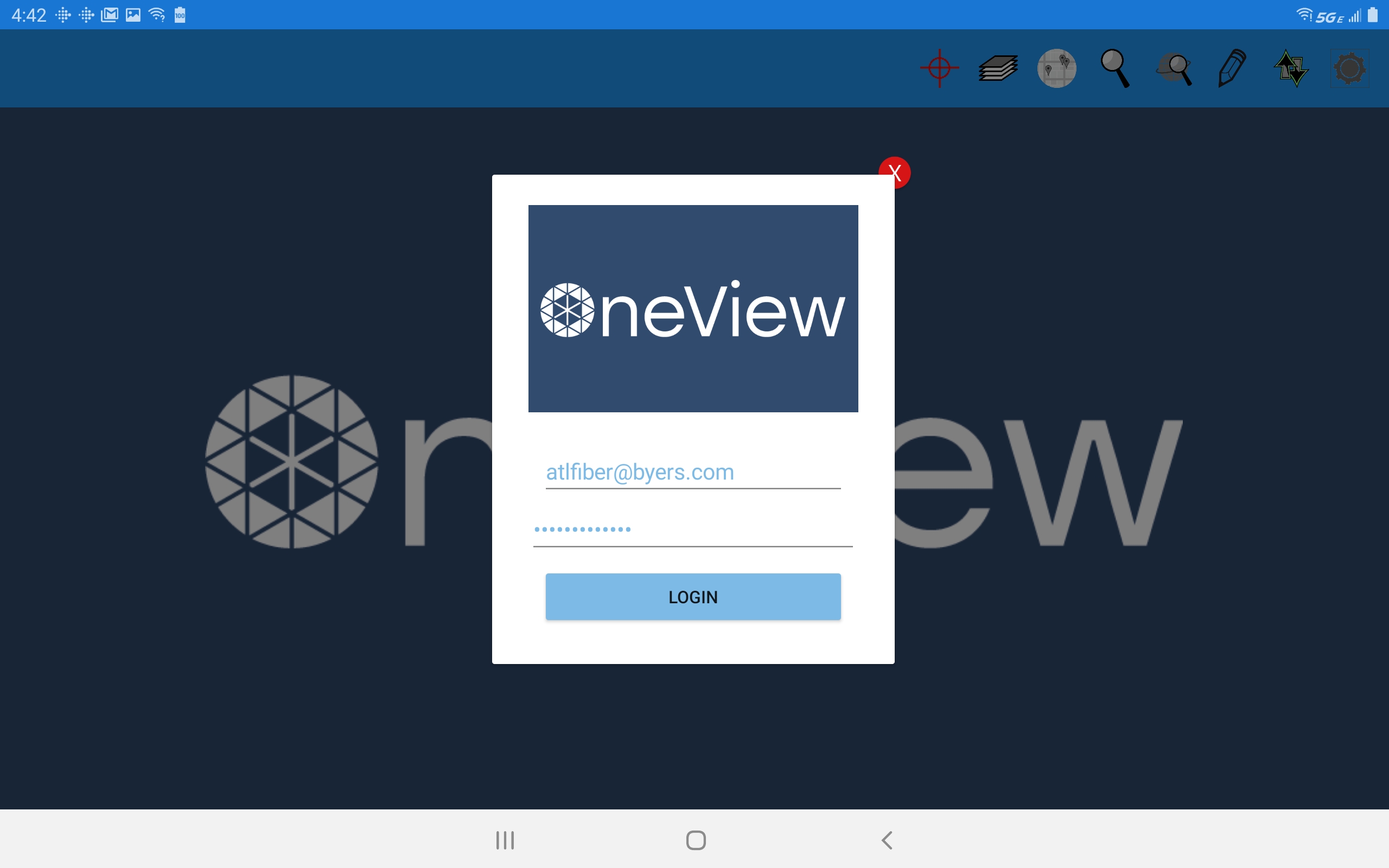
Launching the App opens a login screen for entering user credentials. On the initial launch of the App a user will be prompted to change the default password that was originally assigned to their account.
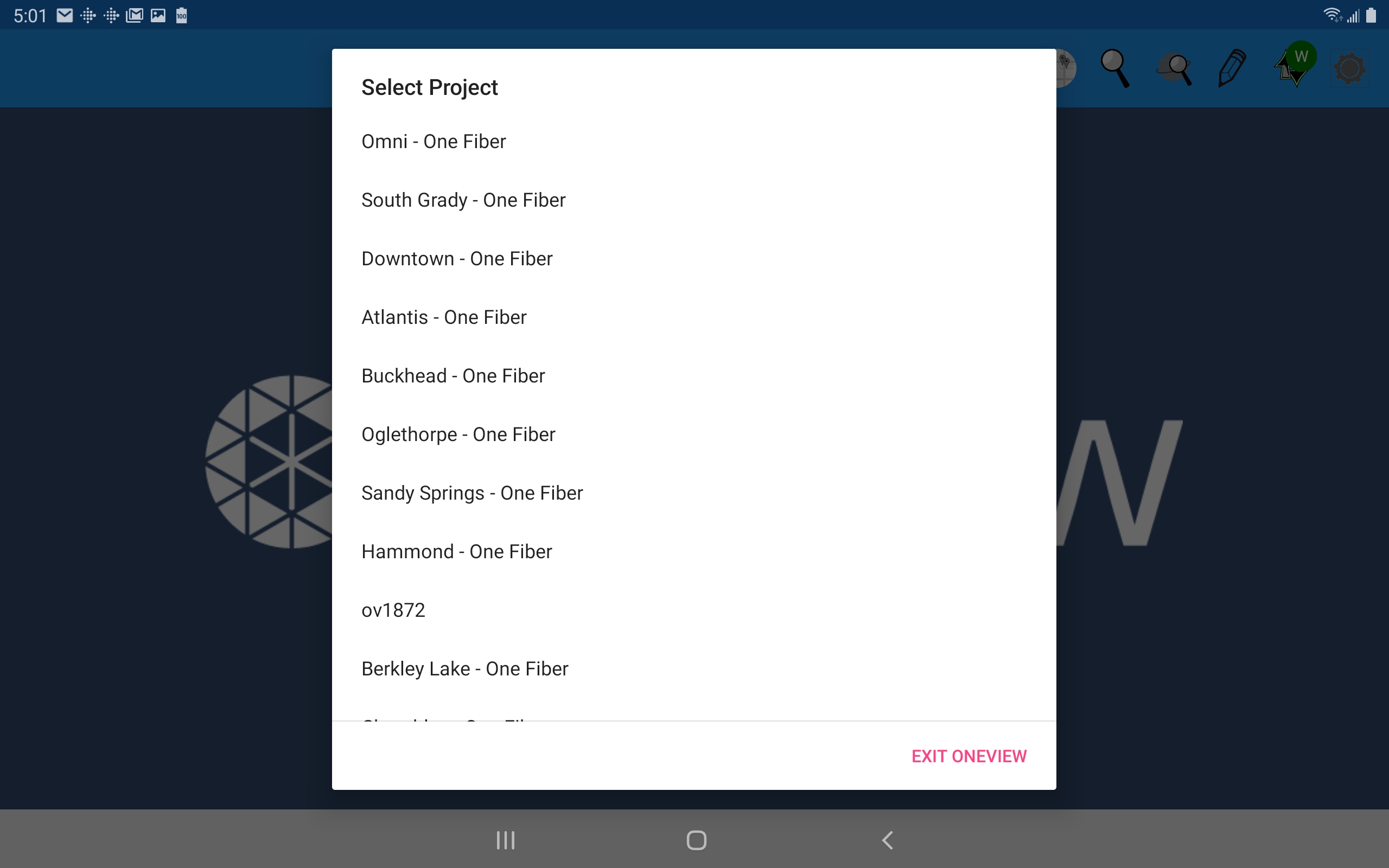
Upon successful login the App opens a list of any Projects the user is assigned to (if they are assigned to more than one). Selection of a Project opens the App. Project selection is also saved between subsequent sessions so the next time the App is started it will open the last active Project directly instead of prompting the user to select from the list of assigned Projects.