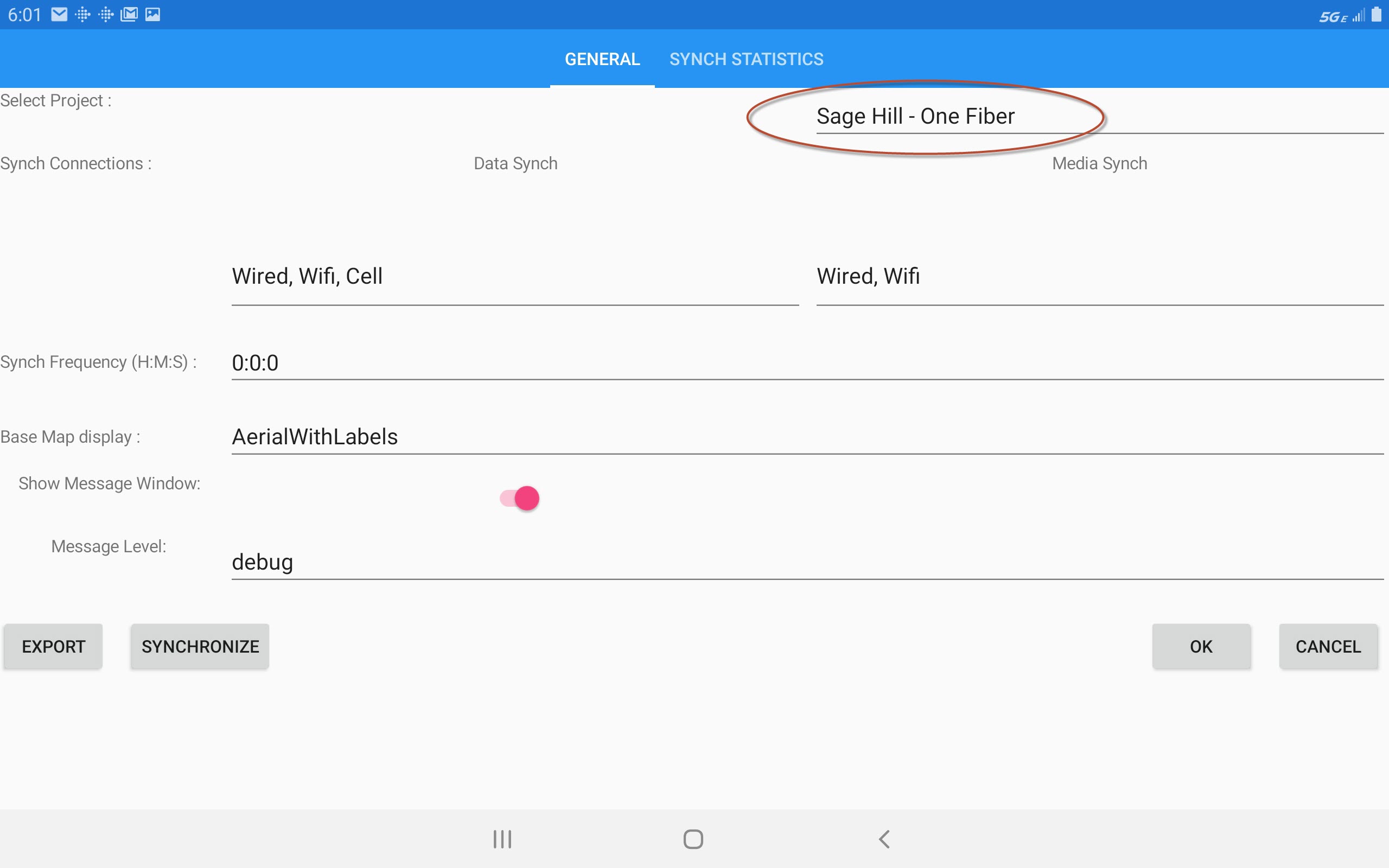
Navigation in the Map
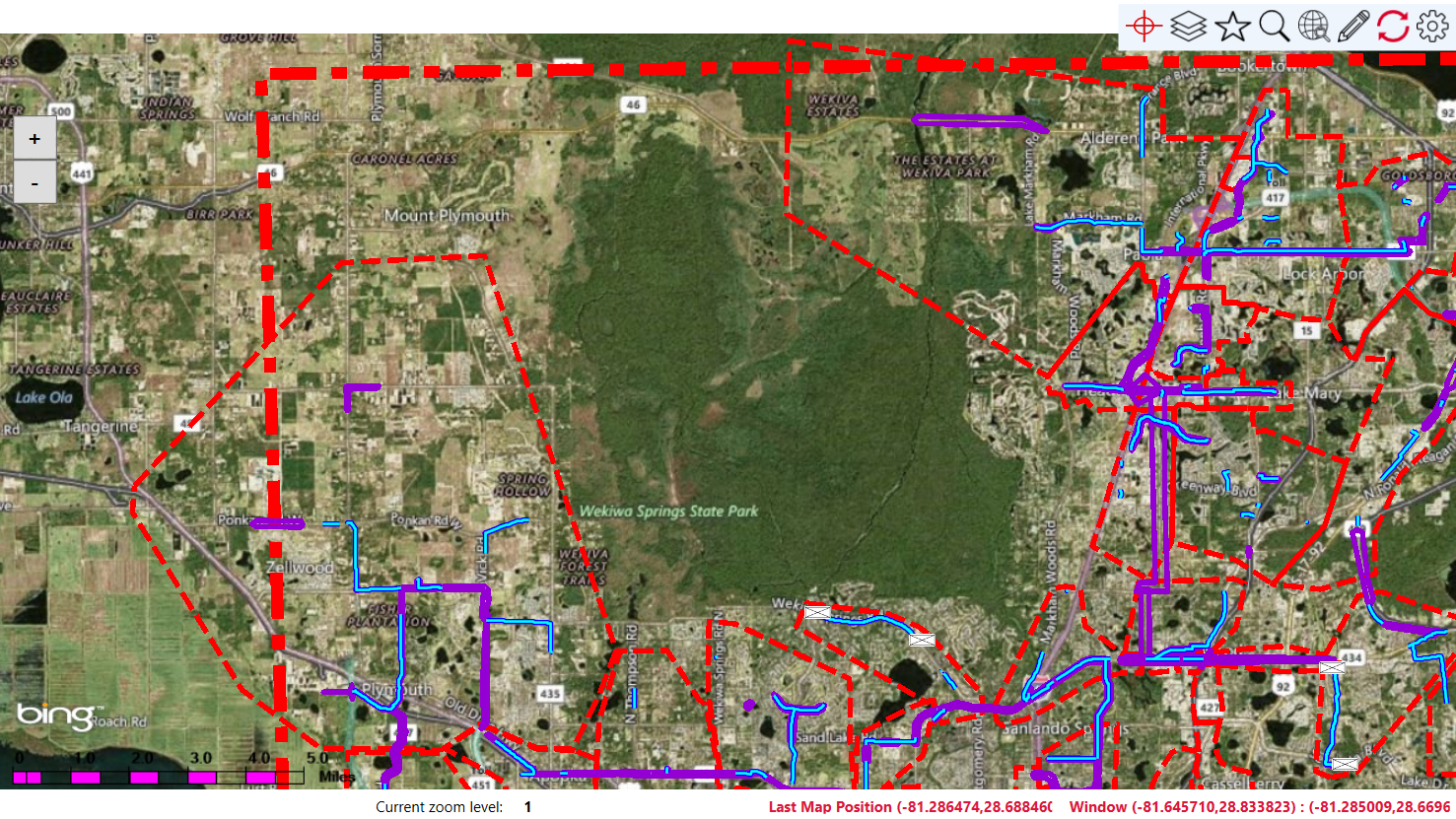
Navigate around the Project's map area by panning, zooming, or orienting to the current GPS location. Use the (+/-) controls to zoom in or out, or on a touch screen device use standard pinch gestures. Drag to pan the map with your cursor or finger/stylus. Select the bulls-eye icon to center the map at your current location.
Basemap Selection
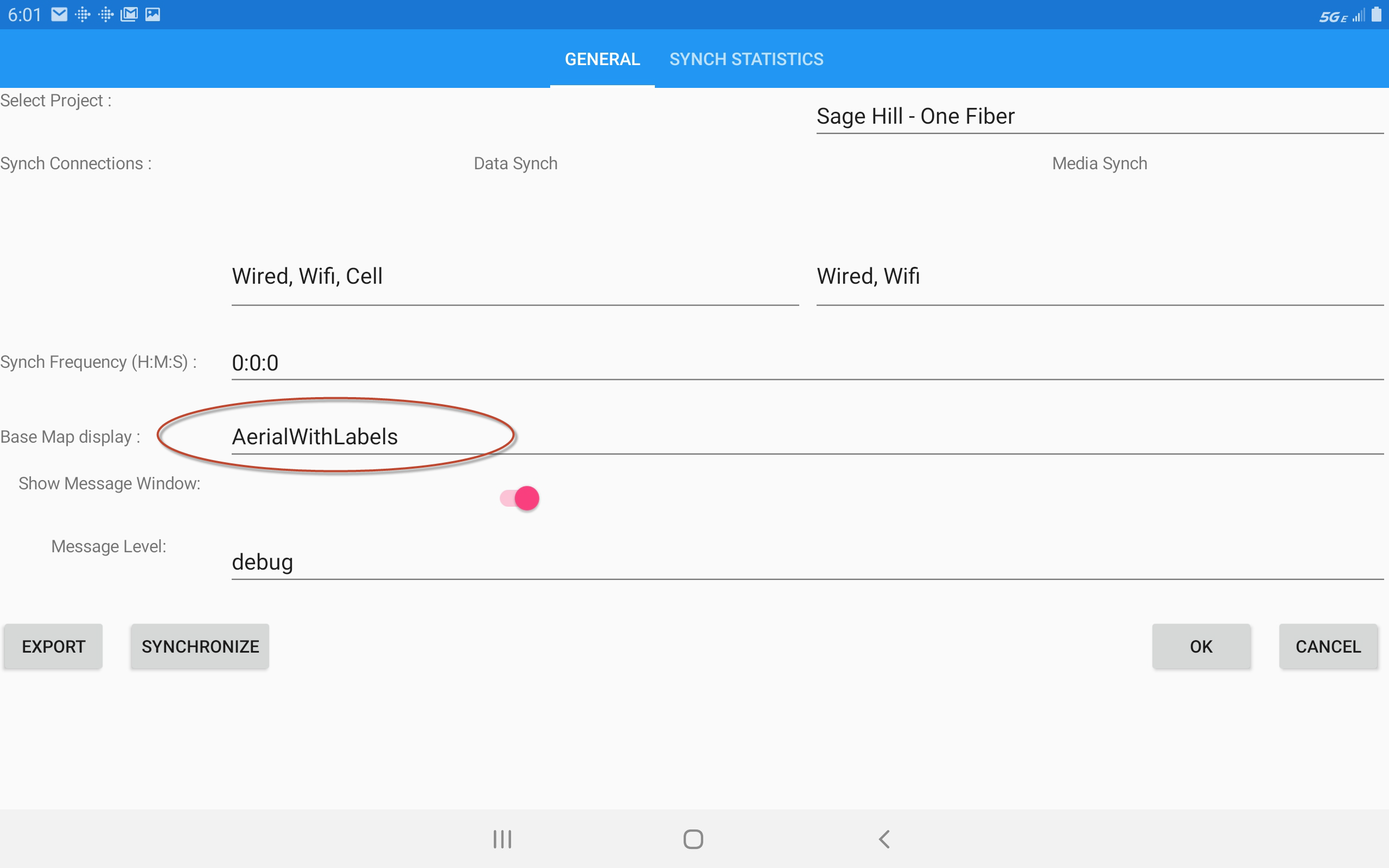
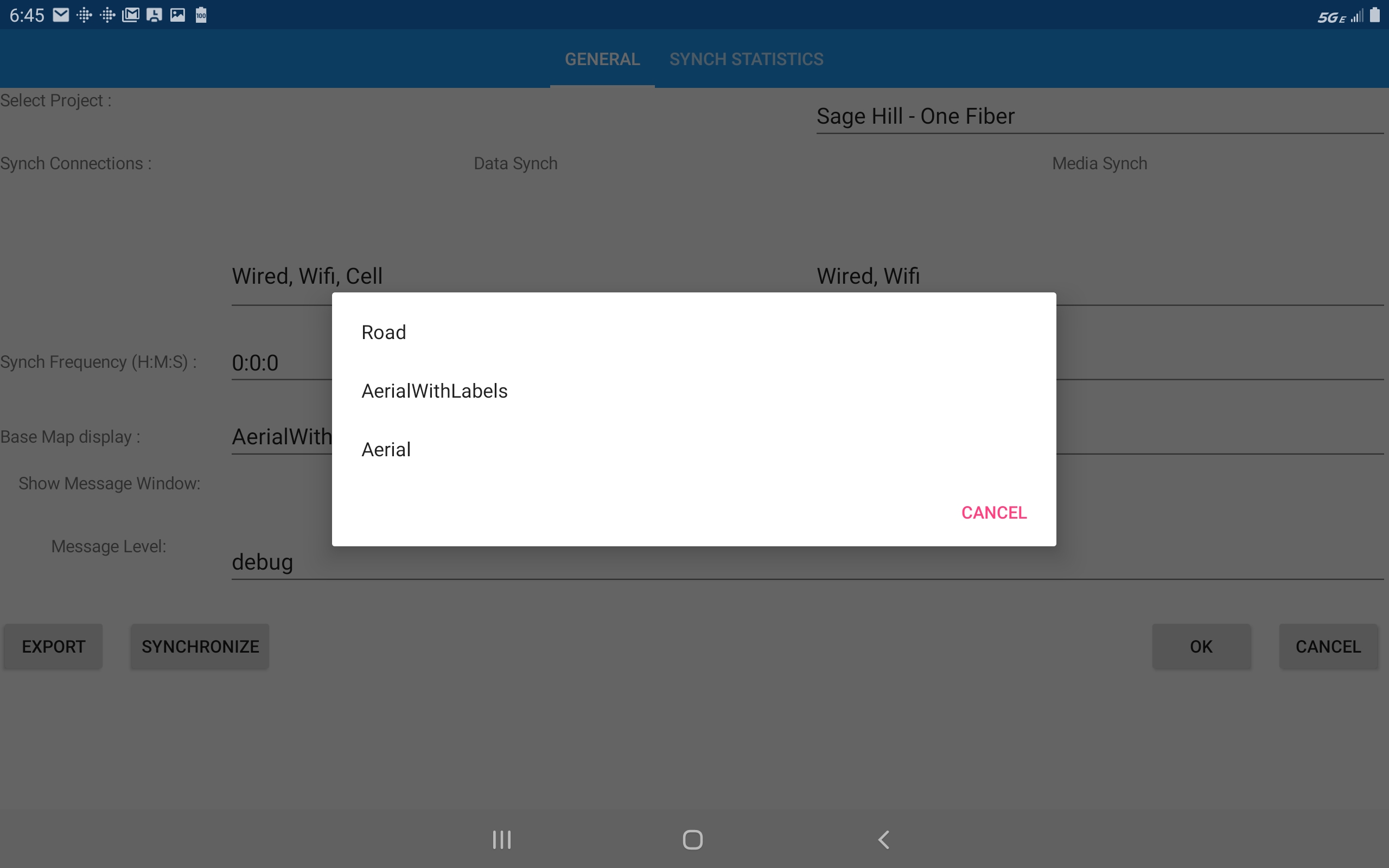
Choose the most appropriate
basemap for the function you are performing. Open the Settings option  .
and select another basemap from the list.
.
and select another basemap from the list.
Change Projects
Open the Settings option .
and select another project from the list (if you have more than one project on the device).