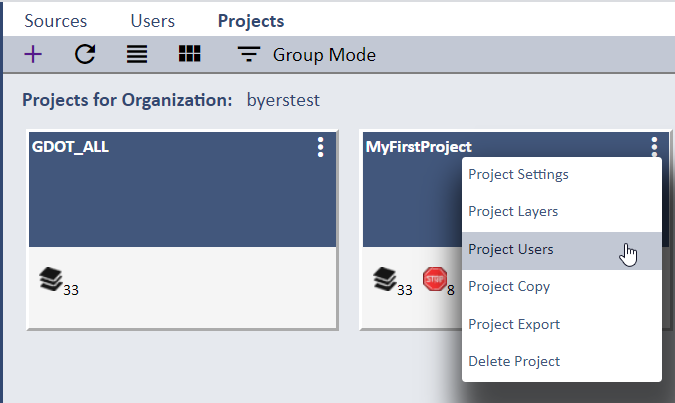
To assign Users to your Project open the Projects page and select the Project Users option for your Project.
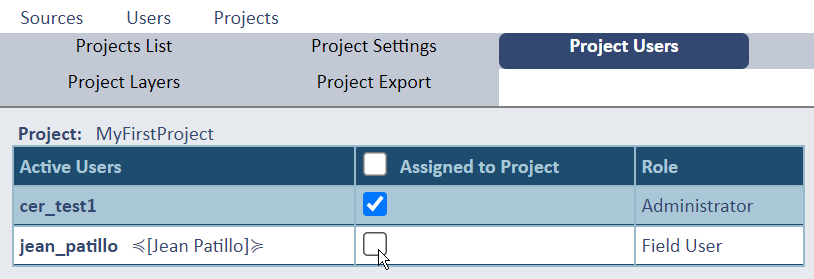
The Project Users page opens a list of all system Users and allows you to check (select) new Users to assign to your Project.
You can assign multiple Users to assign from this interface. Press the Apply Assignments button to make the assignment(s).
Newly assigned Users will receive an email notification informing them that they are now assigned to this Project, but only when the Project has been
enabled for distribution.
You can also unassign Users to your Project at any time from this page.