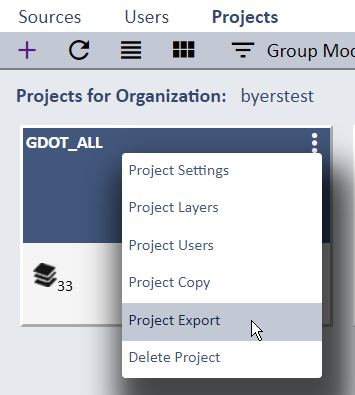
You can export attribute data for any Layer in your Project(s) in several different formats. From the Projects List page select the Project Export
option for the desired Project. That will open the Project Export page that includes a list of all Layers and available export output formats for
selection.
Export of media files (photos, sketches, etc.) is not currently supported but planned for a future release.
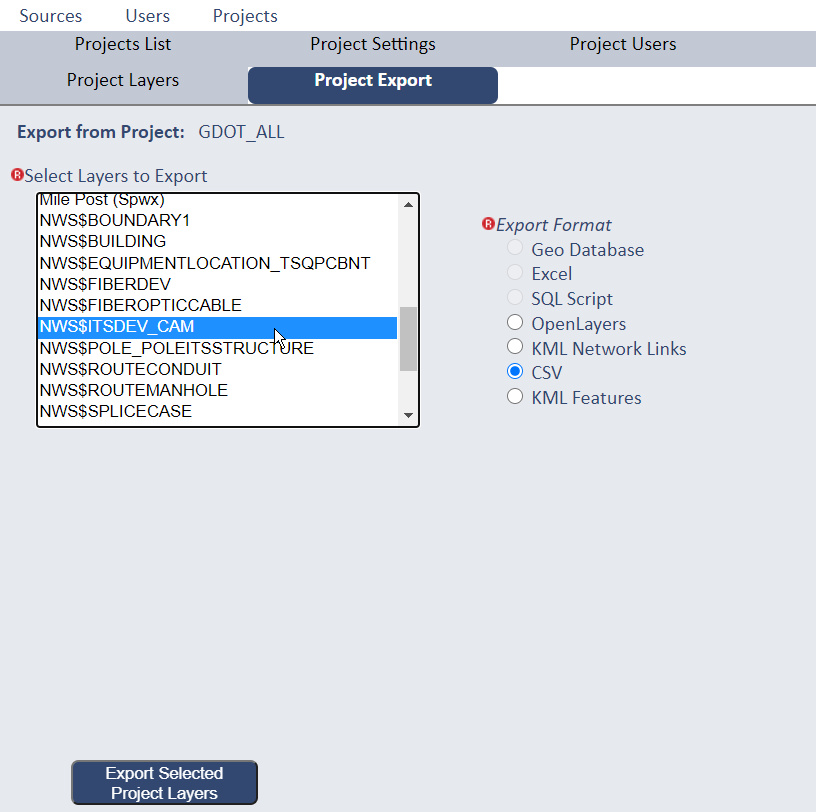
Select a Layer and export output format, then press the Export Selected Project Layers button (note that although this interface allows for multiple Layer selection for a single export action, multiple Layer export is not currently available).
Upon successful export of a Layer you will see a new Link next to the Export button. Selecting that Link will prompt you to enter the same user credentials for your SpatialWorx account.

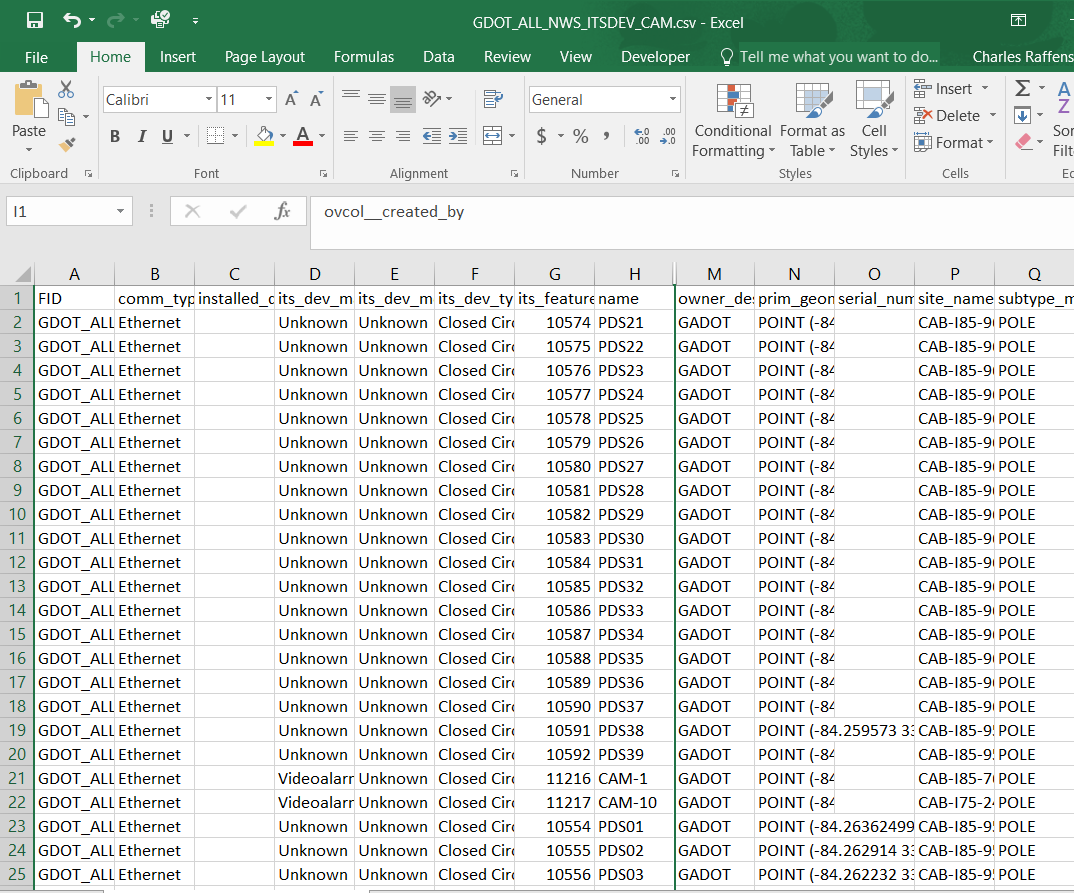
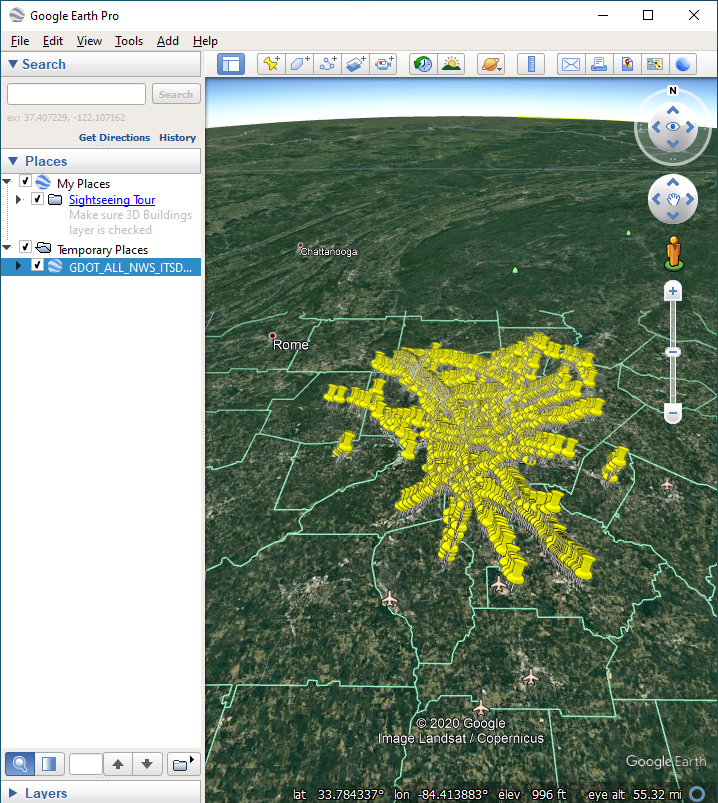
Upon successful login the system will then either start a download of a file as outout for CSV or KML (both options) or open a new browser tab with all features in a map for OpenLayers.