Once you have completed setting up all Layers for your Project, optionally defined a boundary, and assigned Users you are ready to distribute it to field users. To do that open the Project Settings page for your Project and check the Enable for Distribution to Clients checkbox.
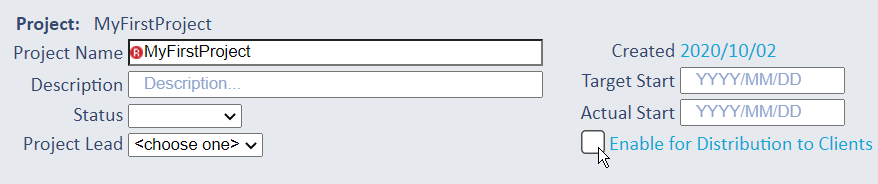
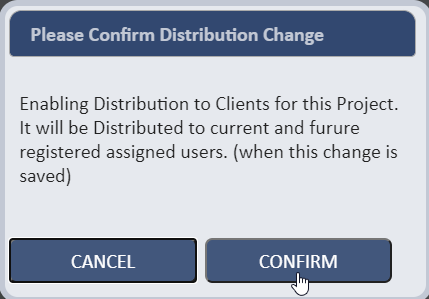
You will be prompted to confirm this action. Press Save to save this change to the Project status.
At this point all assigned Users will receive an email notification informing them that they are now assigned to this Project. When they open the
SpatialWorx app on their device, this Project will now appear in the list of available Projects. On selection of the Project in the app, all
features for all Layers will be transferred to the device along with all of the custom settings for each Layer such as the form, displays, feature
labels, etc.
As with any Project, it's extremely common that changes need to be made after work has started due to evolving requirements, field conditions,
stakeholder input, updates to deliverables, or many other factors. For that reason, SpatialWorx supports dynamic changes to Project configurations and
settings at any point without requiring you to take the Project off-line, stop field users from working in it, or even manually push app updates down
to the device. Updates to settings are queued up and synced for distribution to all devices.
Examples of updates could be adding fields to a form, adding a new Layer, modifying the required status of an attribute on a form, or changing
the symbol for a particular Layer. All of those changes in the console are seamlessly downloaded to the app so field users are not interupted.