Source Attributes
A list of attributes from the source data (if this Source has data, from a file or external table/web service). Press the arrow to see the full list of source attributes that are eligible to be added to the form.
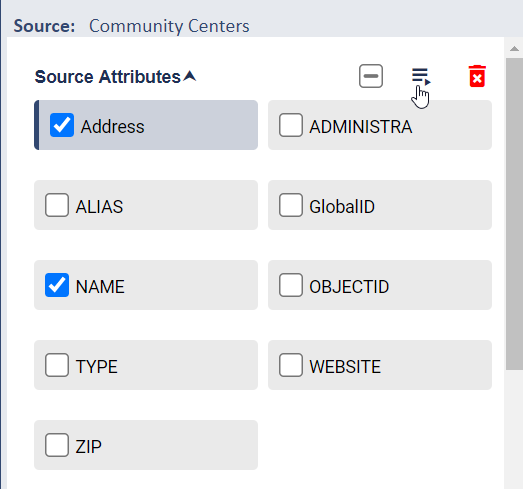
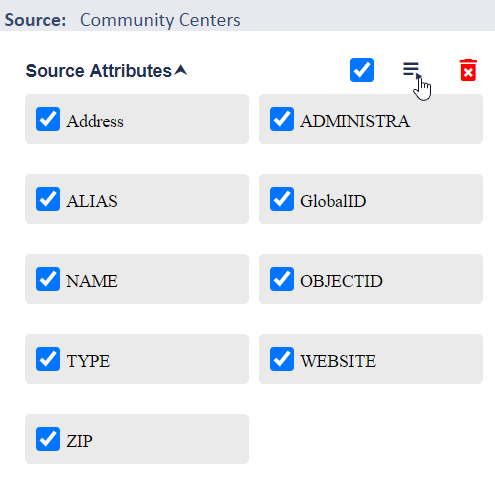
To add source attributes to the form select them individually or all of them as a group using the checkboxes and press the move icon to add them onto the form. You can also optionally drag any attribute onto the form canvas or double click it with a mouse to add it to the form.
⇣ ⇣ ⇣
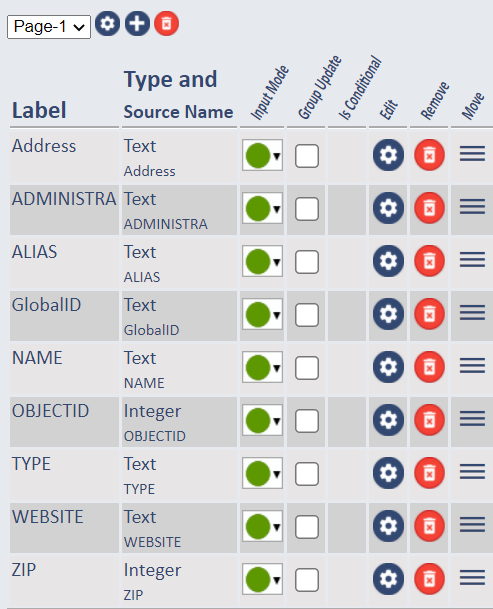
Form elements are added by default to the bottom of the form (last row in the canvas) but can easily be moved by selecting the 3-bar move icon on the canvas row and dragging/dropping them to reposition them on the form.
You can also delete source attributes by selecting them and pressing the red trash can icon. However, be aware that this action not only removed the attribute and it's form, but also ALL data asociated with it from the database.
Form Layout
Pre-configured controls that represent layout elements of the Form.
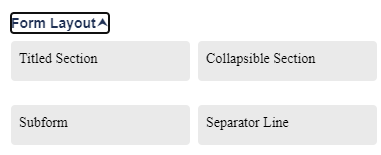
Titled Section |
Adds a Titled Section, under which attributes can be added. by dragging/dropping them onto the section. |
Collapsible Section |
Adds a Collapsible Section, under which attributes. can be added by dragging/dropping them onto the section. This section can be expanded or collapsed in the form on the app, based on need for the additional information. |
Subform |
Adds a Subform to the Form and opens the Subform Editor which allows you to select another Layer's form to embed in the active form. Subforms are typically used to model a "parent/child relationship" where the child can optionally have multiple records all pointing to this single "parent" feature record. In most cases like this the child record is non-graphical. For example:
|
Separator Line |
Adds a line to separate fields or sections on the Form. |
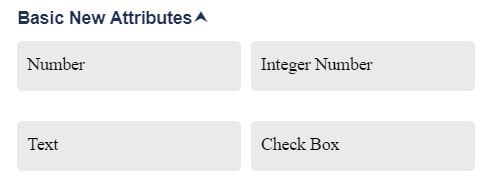
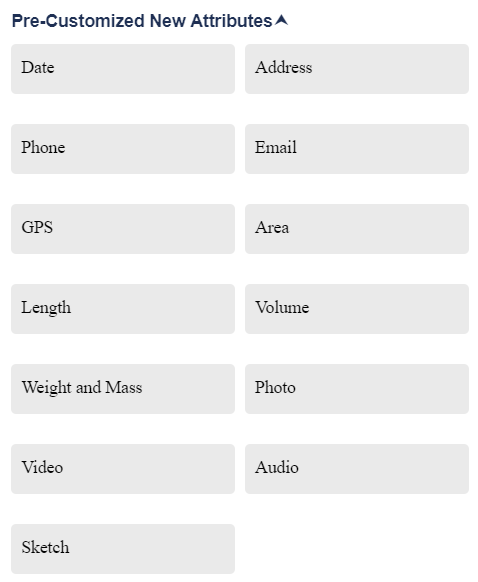
Add New Fields
Provides a set of configured fields to add to the Form.
These fields can be added to any Form and include both basic and custom field types. When a new field is added to the form it
becomes an attribute of the data for the Source.
A Form can have fields that represent a mix of original attributes (from a file or external
Source) and new attributes.