System Users Overview
A User is anyone using SpatialWorx - either (or both) the Web Console or Field App.
Users can be defined based on their capabilities and access to the SpatialWorx Web Console (for account management / project creation and configuration) or the Field App (to use the configured Source data, Projects, and Layers).
Every User is assigned a specific Role. Roles available include: Administrator, Project Manager, Field User, and External.
SpatialWorx utilizes a "per-user" pricing model where each named User on your account counts toward the total cost of the subscription.
Add New Named Users
Select the Users option on the main console menu to open the User management page. This is where you will add or delete Users, set their Role, and update their information.
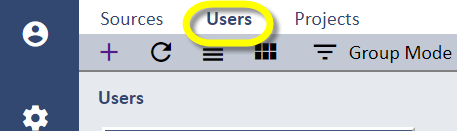
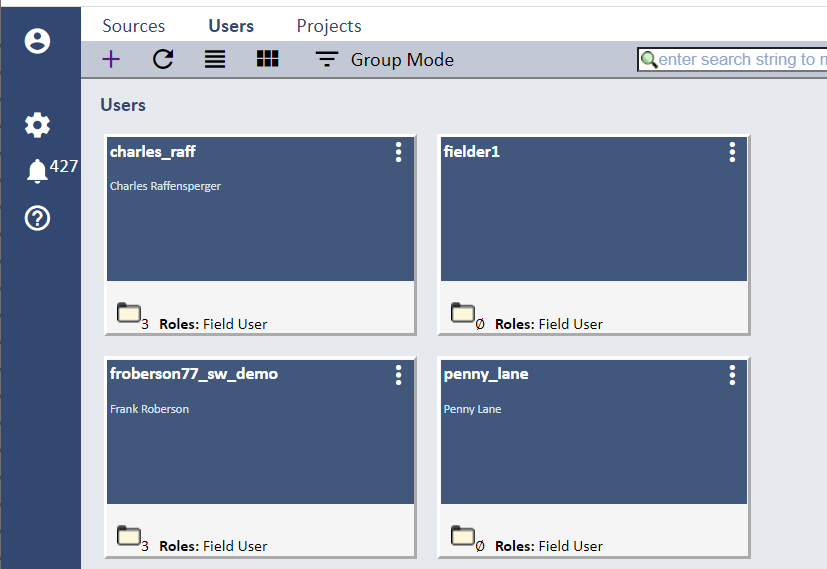
Select the + icon on the menu to create a new User and enter all required information and press the Create button. Note that the email address will be used to send
new Project assignment and other notifications (password changes, etc.) to this specific user.
Passwords are case-sensitive and must be between 8-15 characters and contain at least one UPPER-CASE alpha, a lower-case alpha, a number, and a
special character (@!#=_%-$^&*, etc).
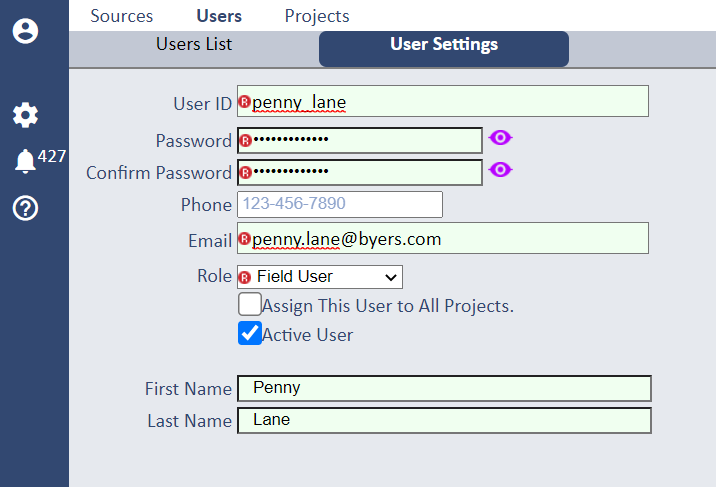
Once a User with a Field User Role is added to your Account they are eligible to be assigned to any active Project (you can also assign a User to All Sctive Projects directly from this page).
User Roles
Available Roles include: Administrator, Project Manager, Field User, and External.
Refer to the User_Settings page for more information regarding the specific permissions for each Role.